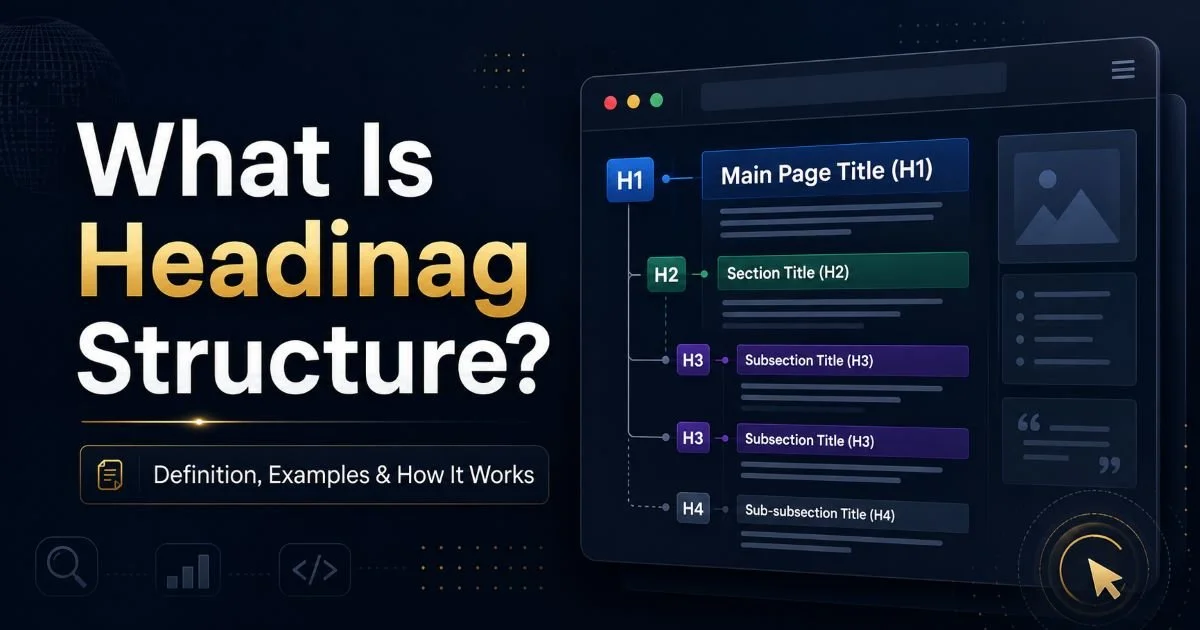
Heading structure SEO refers to the practice of organizing your webpage's headings (H1 through H6) in a logical, hierarchical order to help both search engines and readers understand your content. If you've ever landed on a blog post that felt disorganized or hard to scan, there's a good chance its heading structure was broken.
For content creators and SEO beginners, understanding how headings work isn't optional anymore. Google uses heading tags as signals to interpret topic relevance, content depth, and page organization. Poor heading structure SEO can tank your rankings, increase bounce rates, and make your content invisible to featured snippet opportunities.
The good news? Fixing it is one of the most straightforward wins in on-page optimization. This guide will walk you through what heading structure actually means, how it works under the hood, where most people go wrong, and how to audit your own pages.
Key Takeaways
- Every page needs exactly one H1 tag that clearly states the primary topic.
- Heading hierarchy should follow a strict nesting order without skipping levels.
- Duplicate page titles confuse search engines and dilute your ranking potential.
- Missing headings make content harder to scan and reduce accessibility compliance.
- Tools like Heading Checker can audit your SEO content structure in seconds.
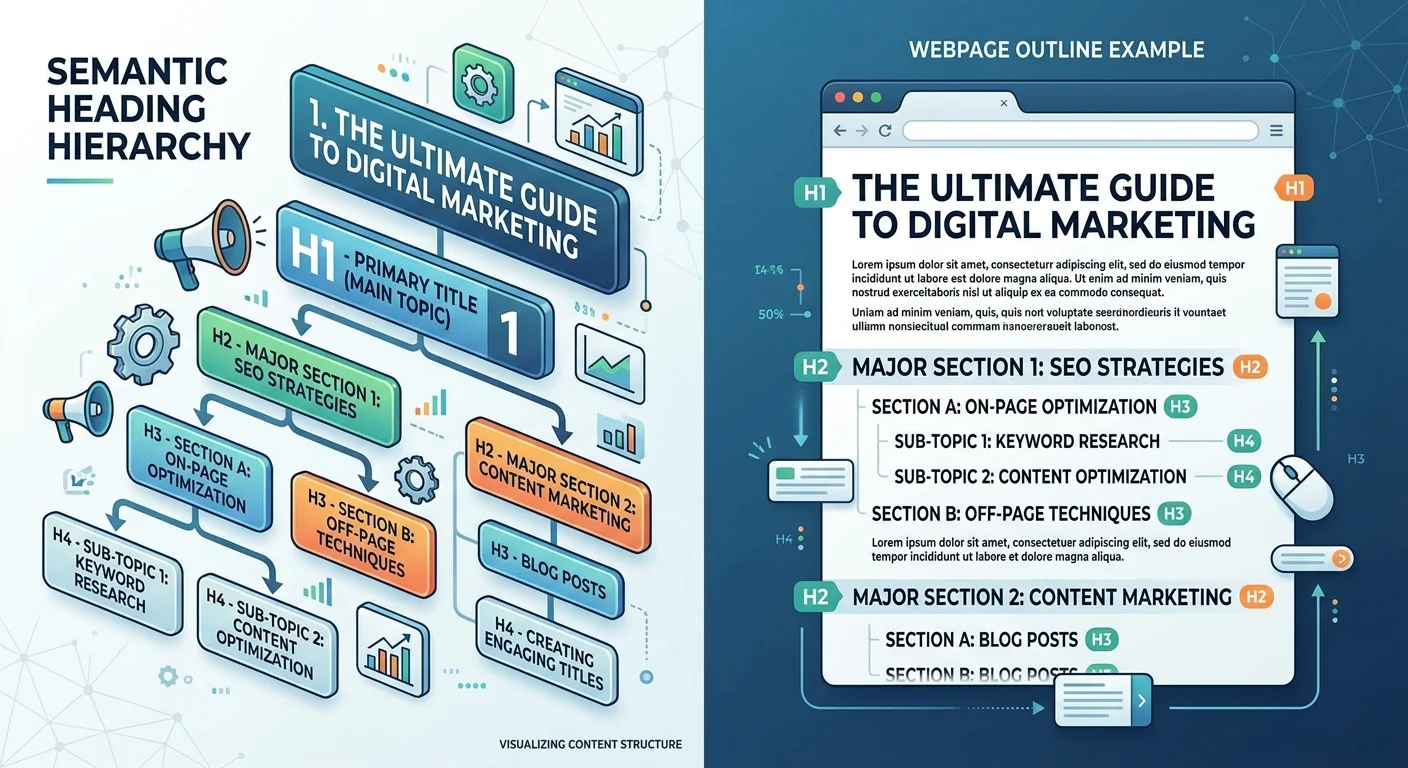
What Is Heading Structure and How Does It Work?
The Role of H1 Tag Usage
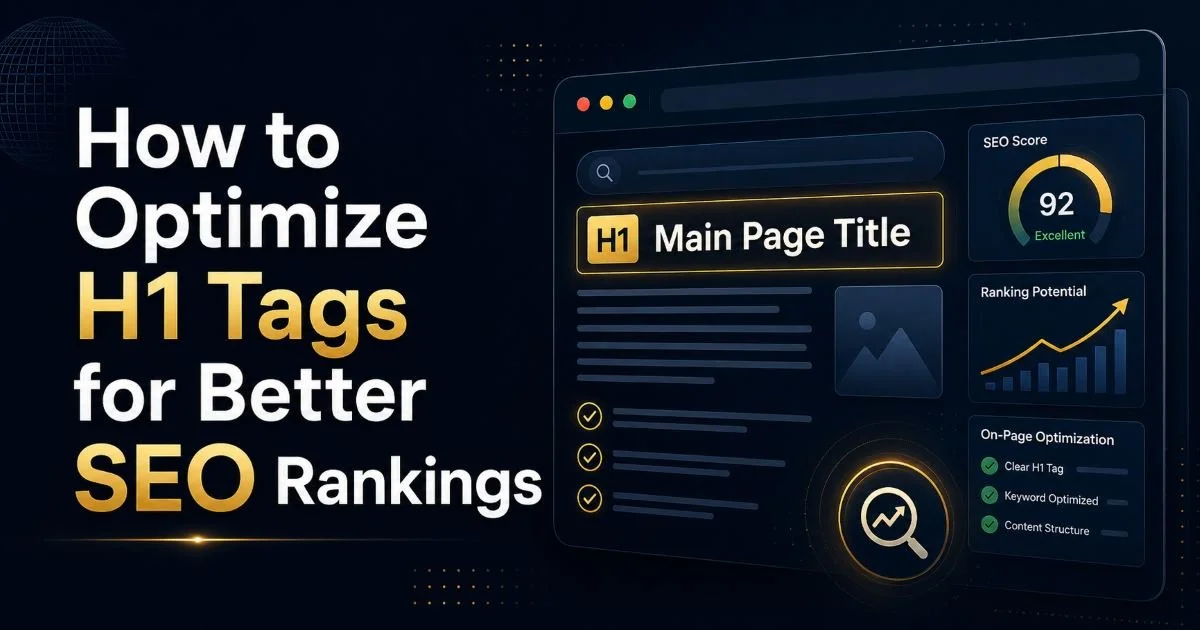
The H1 tag is the single most important heading on any webpage. It tells search engines and visitors what the entire page is about. Think of it as the title of a book chapter. Proper h1 tag usage means having exactly one H1 per page, written to include your primary keyword naturally. When multiple H1 tags appear on a single page, crawlers struggle to determine the primary topic, which can dilute your relevance signals.
A common example: an e-commerce product page with the site name as H1 and the actual product name buried in an H2. This is backwards. The product name should always occupy the H1 position because that's what the page is actually about. Google's John Mueller has confirmed that while multiple H1s won't cause a penalty, using one H1 sends the clearest signal.
Write your H1 first when creating any new page, then build your heading hierarchy downward from there.
Nesting Rules for H2 Through H6
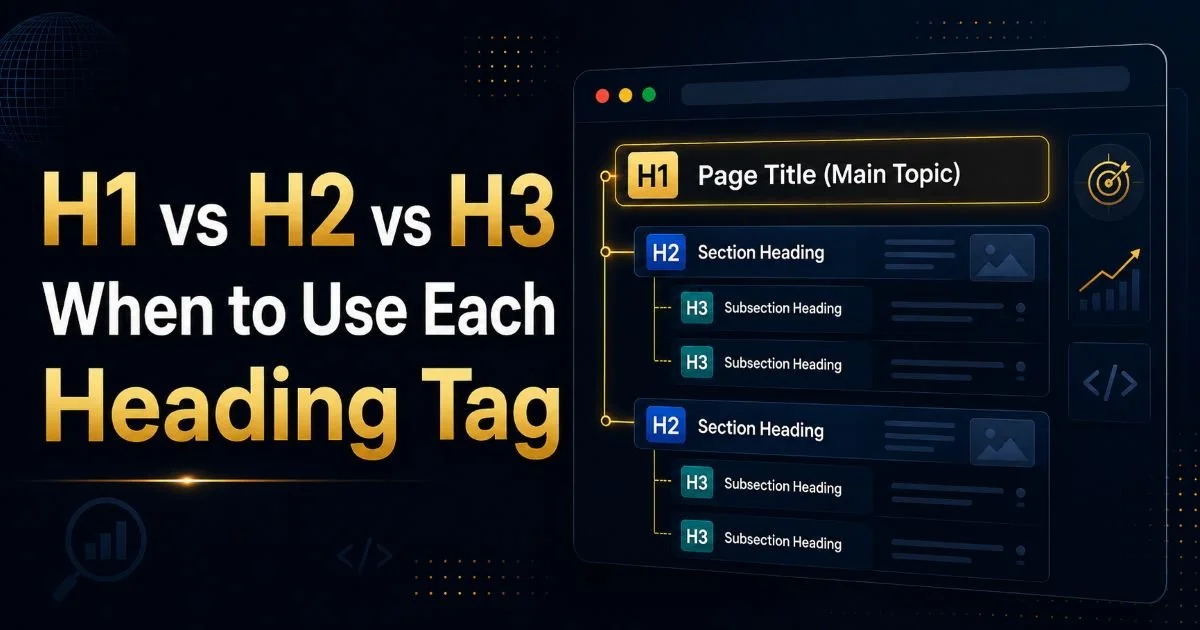
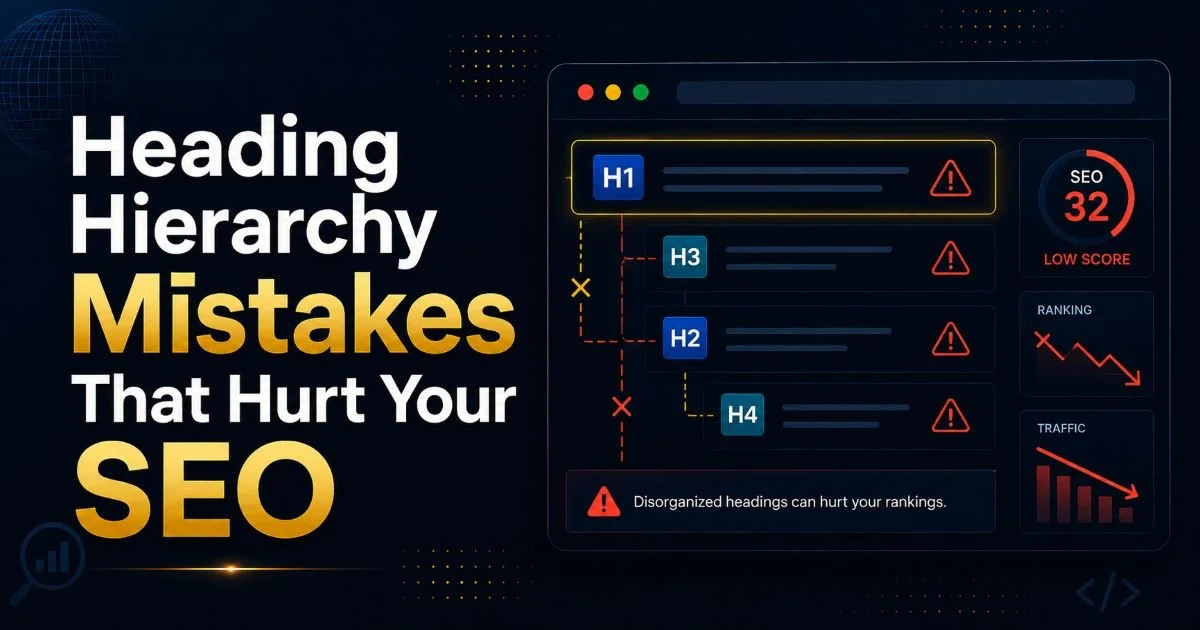
Heading hierarchy works like an outline. Your H1 is the main topic. H2 tags represent major subtopics. H3 tags break those subtopics into finer points, and so on. Skipping levels (jumping from H2 directly to H4, for instance) breaks the logical flow and confuses screen readers. According to Siteimprove's accessibility guidelines, proper nesting is essential for users who rely on assistive technology to navigate content.
Most blog posts only need H1, H2, and H3. Rarely will you need H4 or deeper unless you're writing technical documentation or long-form guides exceeding 5,000 words. The goal is clarity, not complexity. Each heading should accurately preview the content that follows it, acting as a mini promise to the reader about what they're about to learn.
Why Heading Structure SEO Matters for Rankings and Readers
Search Engine Benefits
Search engines parse heading tags to build a semantic map of your page. When your heading structure SEO is clean, Google can more accurately match your content to relevant queries. This directly impacts whether your page appears in featured snippets, "People Also Ask" boxes, and standard organic results. Pages with well-structured headings are significantly more likely to earn snippet positions because Google can extract answers from clearly labeled sections.
The SEO content structure of your page also affects how internal links pass authority. When headings clearly define sections, anchor text pointing to specific sections (using fragment links) becomes more valuable. This is similar to how headline writing formulas in ad copy use structure to drive clicks. Your headings function as on-page "hooks" that signal topical depth to crawlers.
Reader Experience and Accessibility
Beyond search engines, heading structure directly shapes how humans interact with your content. Research consistently shows that web readers scan before they commit. Clear H2 and H3 tags let visitors jump to sections that matter to them. Without them, readers face a wall of text and often leave. This scanning behavior is especially important for content-heavy sites, including digital survey platforms and documentation sites where users need specific answers fast.
Accessibility is another major factor. Screen readers use heading tags as navigation landmarks. A visually impaired user can press a single key to jump between headings, effectively using them as a table of contents. When you skip heading levels or use missing headings in your markup, you create barriers for these users. Proper heading hierarchy isn't just an SEO tactic; it's an accessibility requirement under WCAG 2.1 guidelines.
"Clean heading structure is where SEO strategy and genuine user experience overlap perfectly."
Common Mistakes and Misconceptions
Styling vs. Semantics
The most widespread misconception is using heading tags for visual styling rather than semantic meaning. Many content creators pick an H3 because they like its font size, not because the content warrants a third-level heading. This creates a misleading structure for search engines. If you want text to look bigger or bolder, use CSS. Heading tags should reflect content hierarchy, period. Confusing presentation with structure is the number one reason heading audits reveal problems.
Another common error involves using headings inside navigation menus, footers, or sidebar widgets. A "Recent Posts" sidebar labeled with an H2 competes with your actual content headings for semantic weight. WordPress themes are notorious for this. Before publishing, always check whether your theme injects rogue heading tags into non-content areas. These stray headings can muddy your heading structure SEO without you even realizing it.
Never use heading tags purely for styling. Use CSS classes for visual formatting and reserve H tags for content structure.
Duplicate and Missing Heading Issues
Duplicate page titles are surprisingly common, especially on large sites where template-based CMS systems generate pages automatically. When two pages share identical H1 tags or title tags, search engines may struggle to differentiate them. This leads to keyword cannibalization, where your own pages compete against each other. Running regular audits helps catch these duplicates before they erode your organic traffic.
Missing headings present a different problem. When large content blocks lack any heading tags, search engines treat them as undifferentiated text blobs. A 2,000-word article with only an H1 and no H2 subheadings is essentially invisible at the section level. Google cannot determine subtopics, and users cannot scan. The fix is straightforward: break content into logical sections, label each one with an appropriate heading, and verify the nesting order.
Even a single missing heading level (like skipping H2 to go straight to H3) can trigger accessibility warnings in most auditing tools.
How to Audit and Fix Your Heading Structure
Manual Checks
You can manually audit heading structure by viewing your page's source code or using your browser's developer tools. Right-click, select "Inspect," and search for H1 through H6 tags. List them in order and check: Is there exactly one H1? Do H2s follow the H1? Do H3s appear only under their parent H2? This manual approach works for individual pages but becomes impractical at scale. Still, performing it on your highest-traffic pages gives you immediate, actionable insight.
When auditing manually, keep a checklist handy. Verify that no heading is empty, no heading is duplicated on the same page, and no levels are skipped. Also confirm that headings contain natural keyword variations rather than being stuffed with exact-match phrases. A heading like "Best Heading Structure SEO Tips for SEO Heading Structure" is spammy and counterproductive. Write headings for humans first, then check that they support your SEO goals.
Automated Tools
For websites with dozens or hundreds of pages, automated tools are essential. Heading Checker lets you input any URL and instantly see the full heading hierarchy, flagging issues like missing H1s, skipped levels, and duplicate headings. Site-wide crawling tools like Screaming Frog can export heading data across your entire domain, making it easy to spot patterns of broken structure across templates or categories.
| Heading Issue | Impact on SEO | Impact on Accessibility | Fix Difficulty |
|---|---|---|---|
| Multiple H1 tags | Diluted topic signals | Confusing navigation | Easy |
| Skipped heading levels | Weaker section relevance | WCAG 2.1 violation | Easy |
| Duplicate page titles | Keyword cannibalization | Low impact | Medium |
| Missing headings | Lost snippet opportunities | Reduced scannability | Medium |
| Headings used for styling | Misleading content signals | False navigation landmarks | Easy |
After identifying issues, prioritize fixes by traffic impact. Start with your top 20 pages by organic traffic and work downward. Most heading fixes take minutes per page but can produce measurable ranking improvements within one to two crawl cycles. Set a recurring monthly audit schedule so new content and template changes don't reintroduce problems. Consistency in heading structure SEO is what separates sites that rank from sites that struggle.
Export your heading audit results into a spreadsheet and track fixes over time to measure their impact on rankings.
Frequently Asked Questions
?How do I audit my heading structure without hiring an SEO expert?
?Is having multiple H1 tags on one page actually a ranking penalty?
?How long does fixing broken heading structure typically take?
?Can styling a paragraph to look like a heading replace using actual H tags?
Final Thoughts
Heading structure SEO is one of those foundational practices that pays dividends across rankings, user experience, and accessibility. Getting it right requires understanding the difference between visual formatting and semantic markup, then committing to regular audits.
Start with your H1, build a logical hierarchy, and use tools like Heading Checker to catch problems before they cost you traffic. The effort is minimal compared to the compounding benefits of clean, well-organized content that both Google and your readers can navigate with confidence.
Disclaimer: Portions of this content may have been generated using AI tools to enhance clarity and brevity. While reviewed by a human, independent verification is encouraged.