Heading structure is the backbone of every well-organized web page, and understanding the differences between H1, H2, and H3 tags is one of the first steps toward better on-page SEO. These tags do more than just make text bigger or bolder. They communicate hierarchy to search engines, guide screen readers, and shape how users scan your content.
Yet many content creators treat headings as decorative elements, randomly assigning sizes based on what "looks right." That approach hurts both your rankings and your reader's experience.
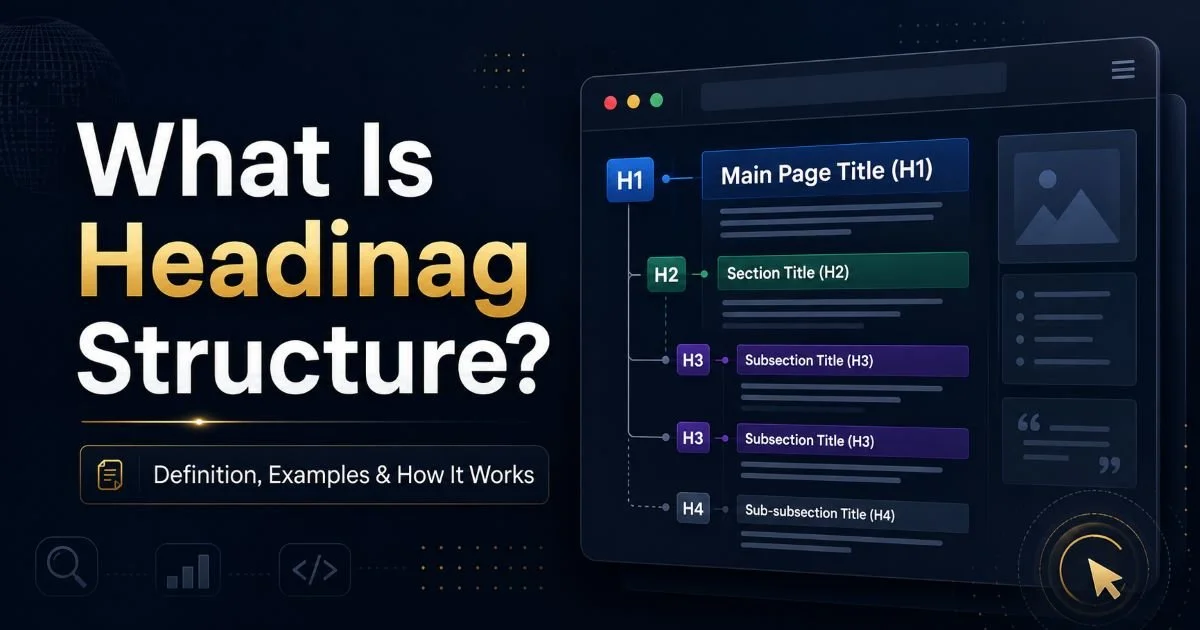
In this comparison, we'll break down exactly when to use each heading tag, how they relate to each other, and what mistakes to avoid. If you're new to the concept of heading structure and how it works, this guide will give you a practical framework you can apply immediately.
Key Takeaways
- Every page should have exactly one H1 tag that contains your primary keyword.
- H2 tags define major sections and serve as the main structural dividers of your content.
- H3 tags break H2 sections into subtopics, adding depth without disrupting hierarchy.
- Skipping heading levels (H1 to H3, for example) confuses search engines and screen readers.
- Consistent heading structure improves both SEO performance and user engagement metrics.
What Each Heading Tag Does
H1: The Page Title
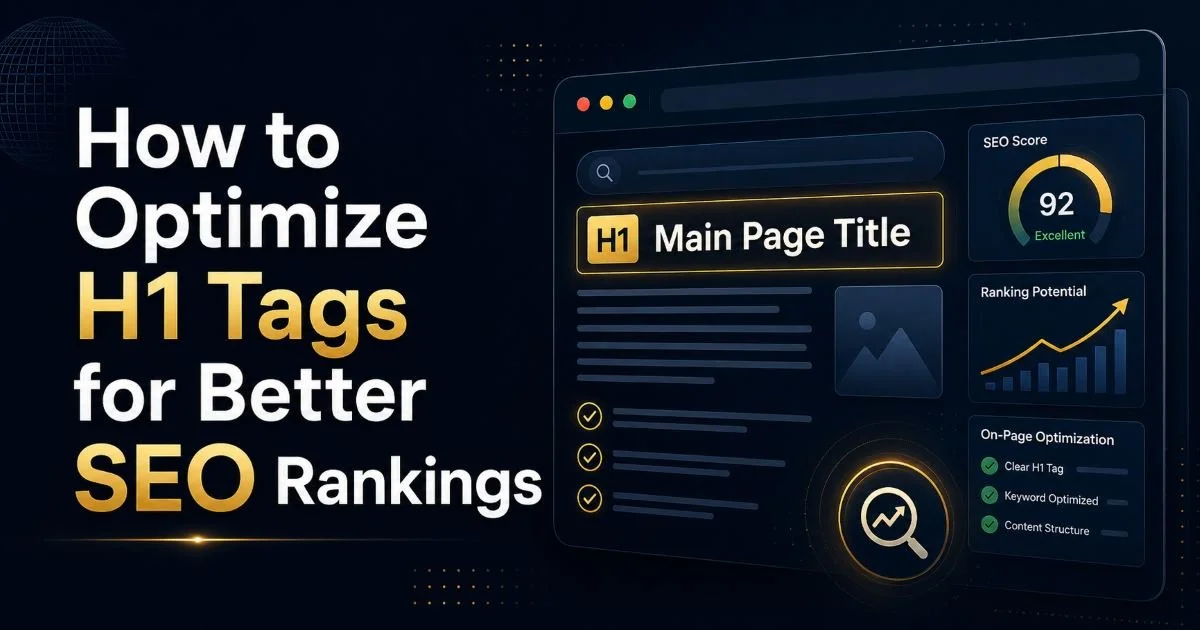
The H1 tag represents the single most important heading on your page. Think of it as the title of a book. It tells both Google and your readers what the entire page is about. Your H1 should contain your primary keyword, match the search intent behind the query, and appear only once per page. Multiple H1 tags won't necessarily break your site, but they dilute the clear signal that search engines expect from your content hierarchy.
Place your H1 at the very top of your content area, before any body text or images appear.
A strong H1 is specific and descriptive. Instead of writing "Our Services," write "Professional Web Design Services in Austin, Texas." The former tells Google nothing useful. The latter signals location, service type, and relevance. When you're working with a CMS like WordPress, your page title field typically generates the H1 automatically, but always verify this in the source code. Some themes use H2 for post titles, which is a structural error worth fixing.
H2: Section Dividers
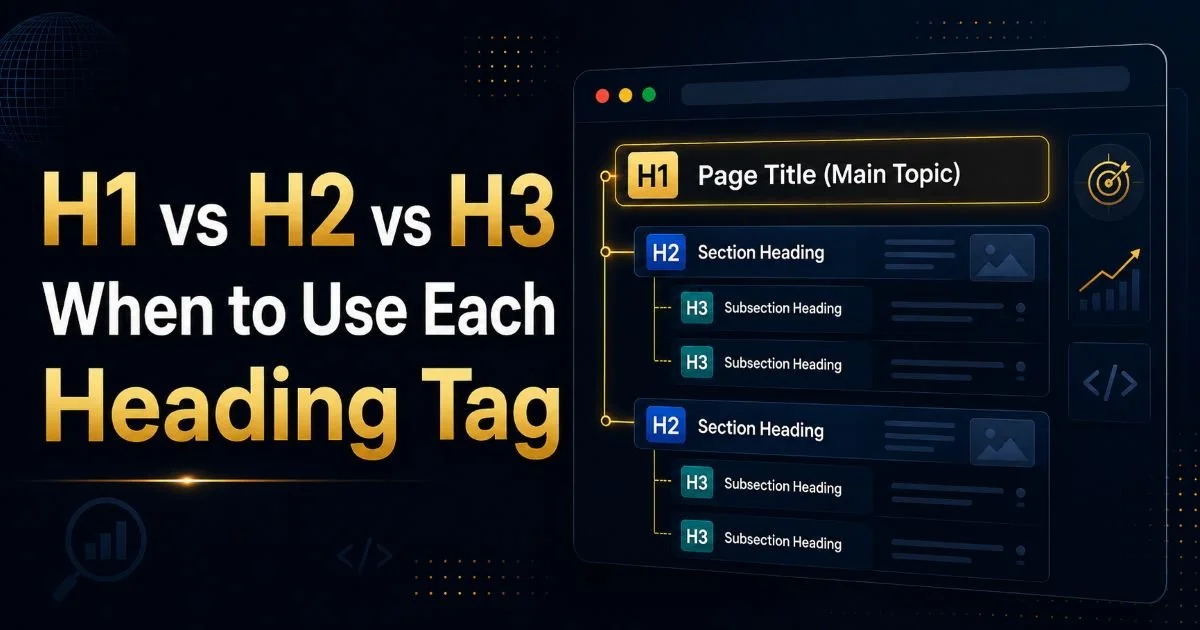
H2 tags function as chapter titles within your page. They break your content into distinct sections, each covering a major subtopic related to your H1. If your H1 is "Complete Guide to Email Marketing," your H2s might include "Building Your Email List," "Writing Subject Lines," and "Measuring Campaign Performance." Each H2 should be able to stand on its own as a clear topic descriptor. Most well-structured articles use between three and eight H2 tags.
From an SEO headings perspective, H2 tags carry significant weight. Google uses them to understand the topical scope of your page. They also frequently appear in featured snippets and passage-based rankings. When you write H2s that directly mirror questions users are searching for, you increase your chances of capturing those rich results. This is why keyword placement in H2 tags matters, though it should always read naturally to human visitors.
H3: Subtopics and Details
H3 tags sit beneath H2s in the hierarchy, providing granular structure within a section. If your H2 is "Building Your Email List," your H3s might be "Using Lead Magnets," "Optimizing Signup Forms," and "Leveraging Social Media." They help readers quickly find the specific information they need without scrolling through walls of text. H3s also signal to search engines that a section has multiple related facets, which can improve topical authority.
Not every H2 section needs H3 subheadings. Short sections of two or three paragraphs often work better without them. But when a section exceeds four paragraphs or covers multiple distinct points, H3 tags dramatically improve readability. They're especially useful in how-to guides, comparison articles, and technical documentation, the types of content where structure directly affects whether someone stays or bounces. The Heading Checker blog covers many examples of how proper nesting improves content performance.
SEO Impact: Comparing H1, H2, and H3
Search engines assign different levels of importance to each heading tag. While Google has stated that headings are not a direct ranking factor in isolation, the evidence from large-scale SEO studies tells a more nuanced story. Pages with clear, keyword-relevant heading structures consistently outperform those with flat or chaotic hierarchies. A study by SEMrush analyzing over 100,000 articles found that 36% of pages ranking on the first page had well-structured H1, H2, and H3 tags, compared to only 12% of pages on page two.
The optimization value of each tag scales with its position in the hierarchy. Your H1 carries the most weight for topic relevance. Your H2s tell Google which major areas your content covers, helping it understand breadth. Your H3s contribute to depth signals. Together, they create a content outline that search engines can parse efficiently. This matters even more since Google's passage ranking update, which can surface specific sections of a page for relevant queries. Clean headings make those sections easier to identify.
Page structure also affects user behavior metrics that indirectly influence rankings. Pages with clear heading hierarchies see lower bounce rates and higher time-on-page. Users can scan headings to decide if the content answers their question, which reduces pogo-sticking (clicking back to search results). Similar to how choosing the right document format affects readability, choosing the right heading level affects how your audience consumes your content.
"Heading tags are not just HTML elements; they are the navigational signposts that determine whether a reader stays or leaves."
Common Heading Mistakes and How to Fix Them
The most common mistake is using multiple H1 tags on a single page. This happens frequently in WordPress themes where both the site title in the header and the post title render as H1 elements. While Google's John Mueller has said multiple H1s won't cause a penalty, best practice is to use just one. It gives a single, clear signal about your page's primary topic. Check your theme's template files or use a tool like Heading Checker to audit your heading structure quickly.
Many WordPress themes render both the logo and the post title as H1. Always verify your live HTML output.
Skipping heading levels is another frequent error. Going from an H1 directly to an H3, or jumping from H2 to H4, breaks the logical hierarchy. Screen readers used by visually impaired users depend on sequential heading levels to navigate content. The W3C Web Content Accessibility Guidelines specifically recommend maintaining proper nesting order. This isn't just an accessibility concern; it also confuses search engine crawlers that use heading hierarchy to map content relationships.
A third common issue is writing vague or generic headings. Headings like "Overview," "Details," or "More Information" waste valuable SEO real estate and give readers zero reason to keep scrolling. Every heading should be specific enough that a reader could understand your page's structure by scanning headings alone. Think of it like an outline for a research paper. If the outline doesn't make sense on its own, the final document will struggle too. Well-structured APIs follow similar organizational principles, as covered in this guide on FastAPI best practices where clean structure improves both developer experience and performance.
Practical Guidelines for Building Page Structure
Start every page by writing your heading outline before you draft the body content. This forces you to think about information architecture first, which prevents the common trap of rambling paragraphs with headings added as an afterthought. Your H1 should be finalized before anything else. Then map out three to seven H2 sections that cover the core subtopics. Under each H2, decide if H3s are needed based on the complexity of that section. This outline becomes your writing blueprint.
Use your focus keyword in the H1 and at least one H2, but don't stuff it everywhere. Natural language variations are better for both SEO and readability. If your target is "email marketing strategies," your H2s might include "Proven Email Marketing Strategies for Small Businesses" and "How to Measure Email Campaign Performance." The first directly uses the keyword; the second supports it semantically. Google's natural language processing is sophisticated enough to connect related terms without exact-match repetition.
Google's BERT and MUM algorithms understand synonyms and related concepts, so keyword stuffing in headings actually hurts more than it helps.
| Attribute | H1 | H2 | H3 |
|---|---|---|---|
| Purpose | Page title/main topic | Major section divider | Subsection under H2 |
| Recommended count per page | Exactly 1 | 3 to 8 | 2 to 5 per H2 |
| Keyword priority | Primary keyword | Secondary keywords | Long-tail variations |
| SEO signal strength | Highest | Medium | Lower |
| Accessibility role | Page landmark | Section navigation | Sub-navigation |
| Common mistake | Using more than one | Skipping to H4 | Using for styling only |
Finally, audit your headings regularly. Content gets edited, sections get moved, and heading structures degrade over time. Run your top-performing pages through a heading checker at least quarterly. Look for skipped levels, duplicate headings, missing H1 tags, and overly long heading text. Most heading issues take less than five minutes to fix but can have a meaningful impact on how search engines interpret and rank your content. Building this audit habit is one of the simplest on-page SEO improvements you can make.
Set a quarterly reminder to audit headings on your top 20 pages by traffic. Small fixes often yield noticeable ranking improvements.
Frequently Asked Questions
?How do I check if my WordPress theme is using H2 for my page title?
?Do H2 tags carry more SEO weight than H3 tags?
?How long does fixing a broken heading structure take to impact rankings?
?Is it really that harmful to skip from H1 directly to H3?
Final Thoughts
The distinction between H1, H2, and H3 tags is straightforward once you think of them as a content outline rather than styling choices. Use one H1 for your page topic, H2s for major sections, and H3s for subtopics within those sections.
Keep the hierarchy sequential, the language specific, and the keywords natural. Whether you're building a blog post, a product page, or a landing page, clean heading structure improves your SEO, your accessibility, and your reader's ability to find exactly what they need.
Disclaimer: Portions of this content may have been generated using AI tools to enhance clarity and brevity. While reviewed by a human, independent verification is encouraged.